Launch
Opening the app: the mark, then what it is for.
2 screens

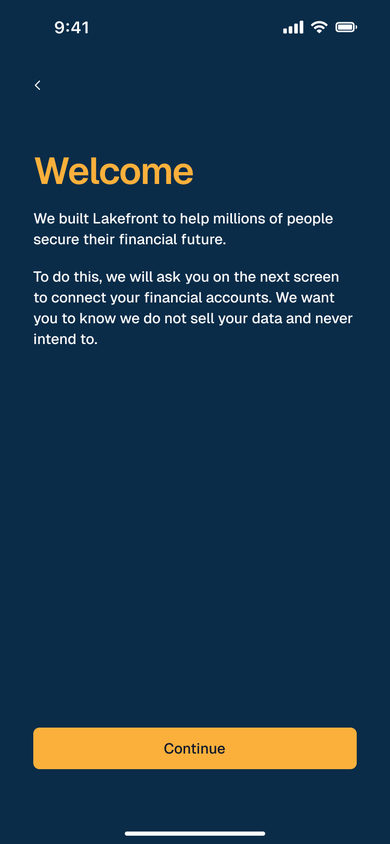
Launch Screen
The Lakefront wordmark and its lake mark centred on the navy ground.
Account
Creating an account, or signing back in.
2 screens
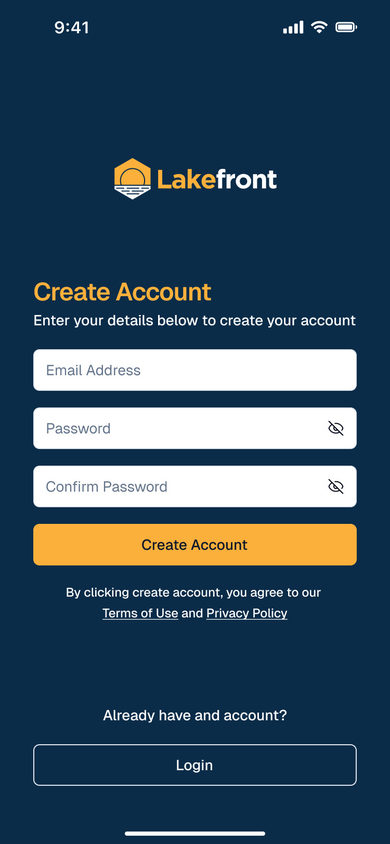
Create Account
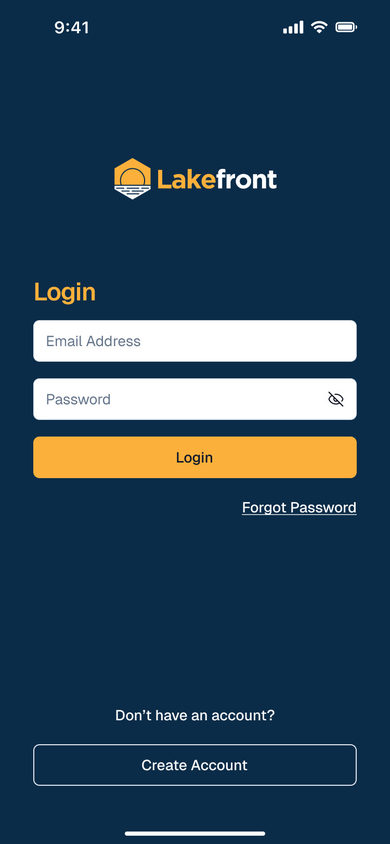
Create Account: email, password and confirm password, each password field with a reveal toggle, over Create Account, the terms and privacy links, and a login link for returning users.
Connect
Linking the accounts the budget reads, through Plaid.
2 screens
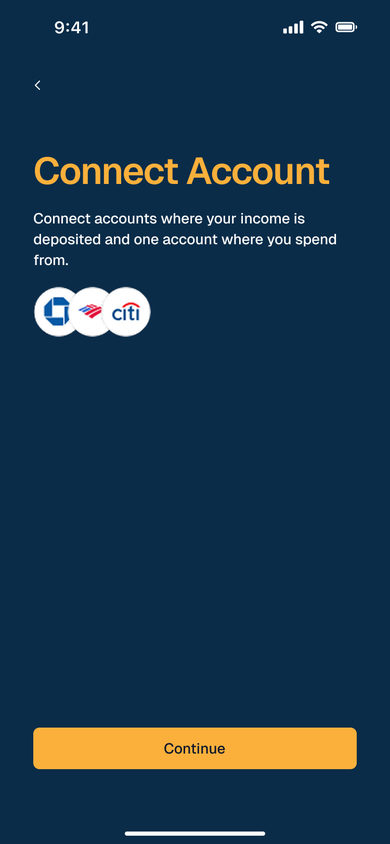
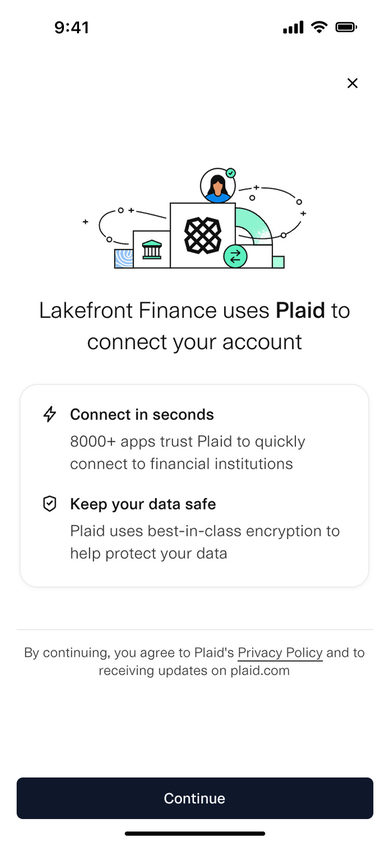
Connect Account
Connect Account: one line asking for the account income is deposited to and the account it is spent from, three bank marks beneath it, and Continue pinned at the foot.
Budget
The budget the app builds from the linked accounts, and one category inside it.
3 screens
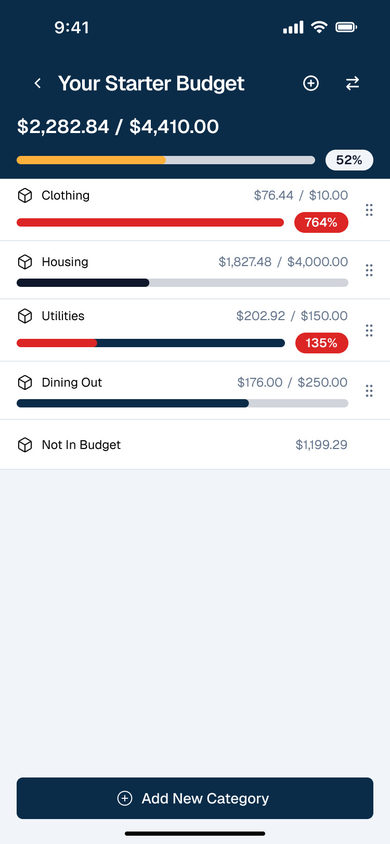
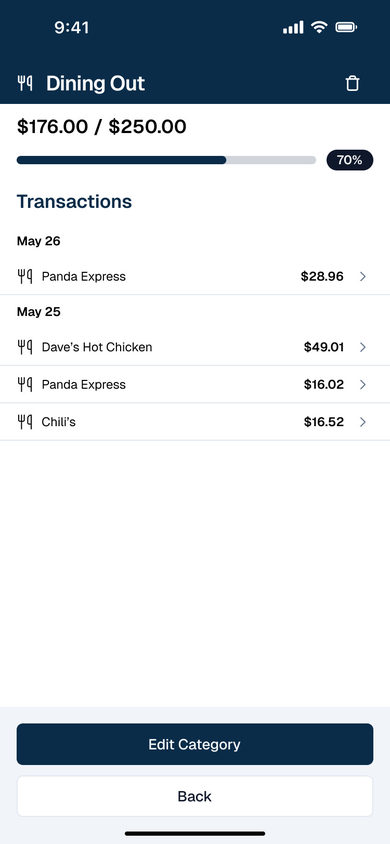
Starting Budget
We've set up a starting budget for you, over Continue To Dashboard.
mobile