Onboarding
Welcome · Get Started
6 screens
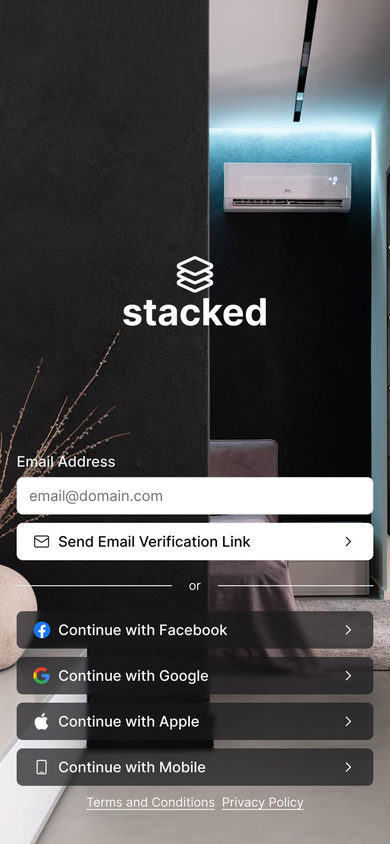
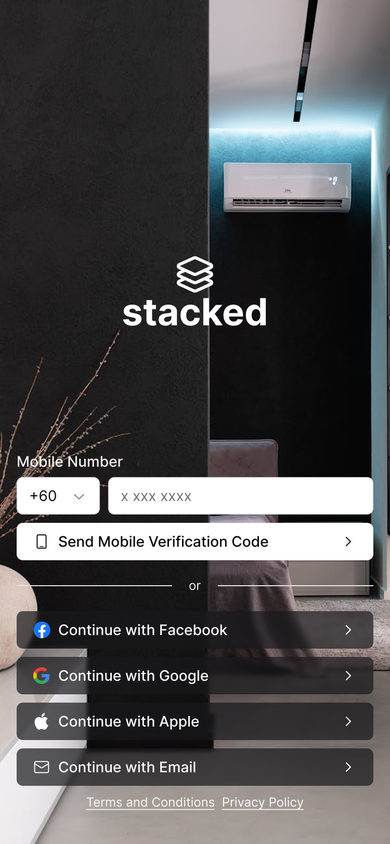

Splash
The stacked mark alone on black.
Properties
The listings tab, by property type.
2 screens
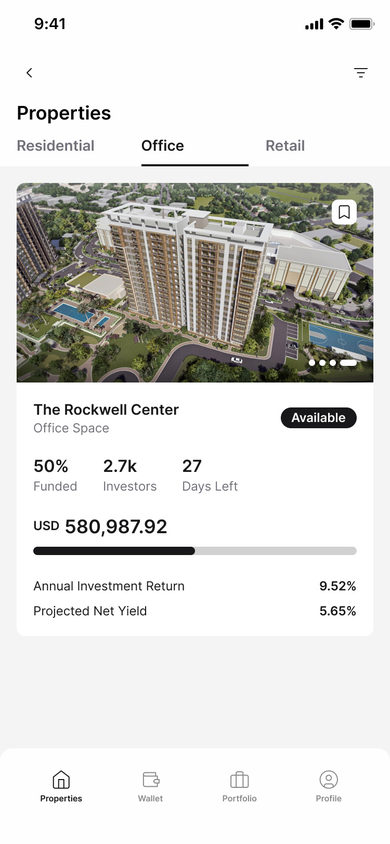
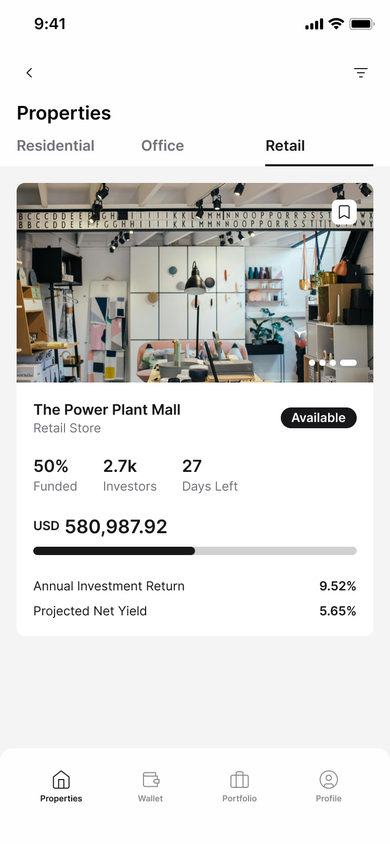
Office
The Office tab: The Rockwell Center, marked available, with 50% funded, 2.7k investors and 27 days left over the funding bar, the raise, the annual investment return and the projected net yield.
Property
One listing, across the tabs it opens on.
3 screens
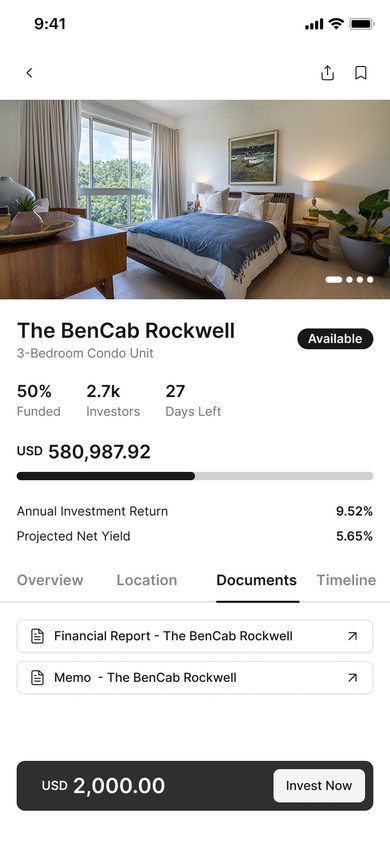
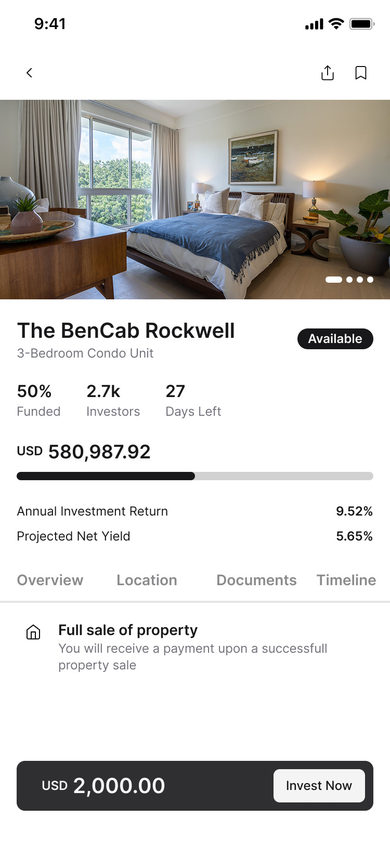
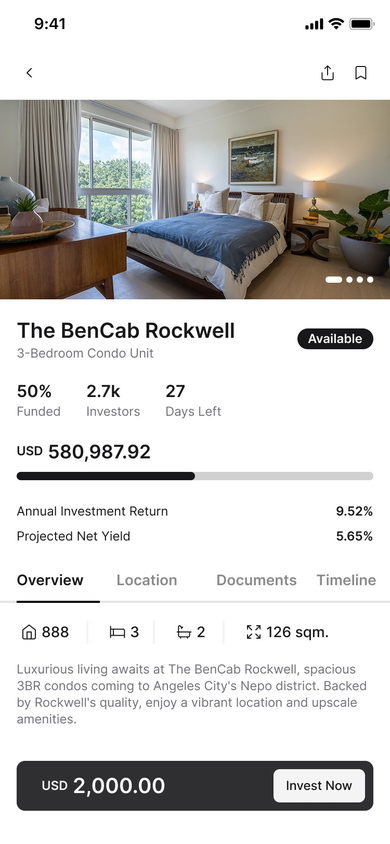
Overview
Overview: the photo carousel over the funding row, then the unit counts and 126 sqm with two lines on the building, and the USD 2,000.00 ticket beside Invest Now at the foot.
Invest
Review · Checkout
5 screens
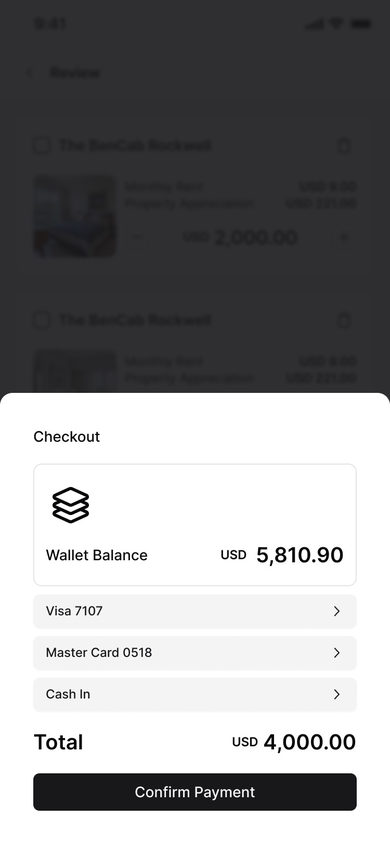
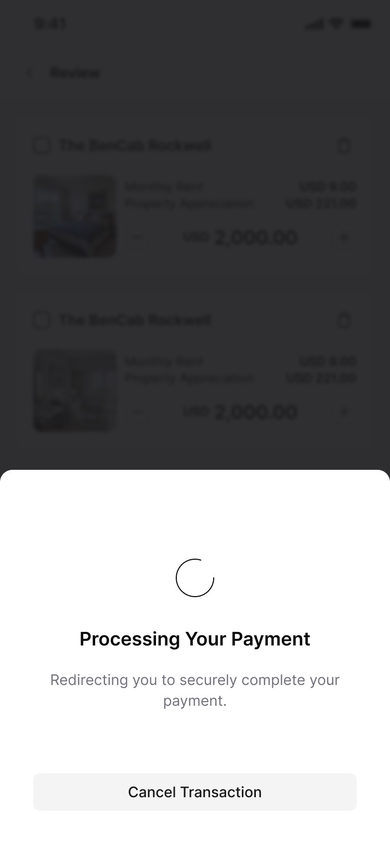
Review
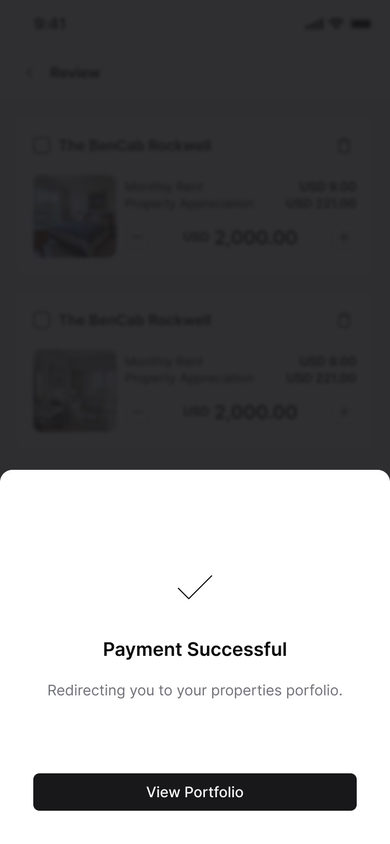
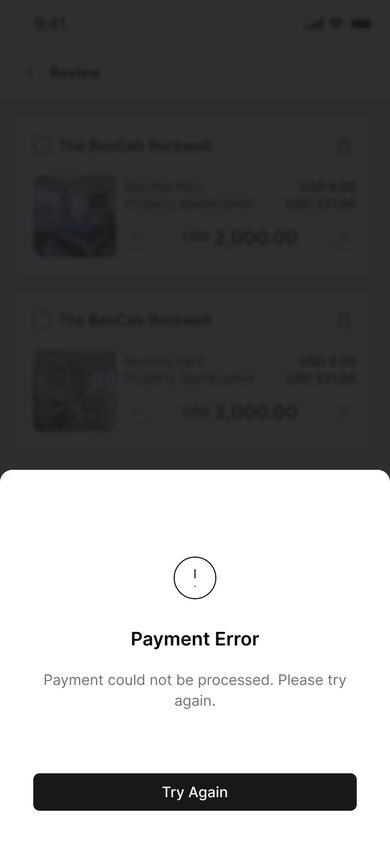
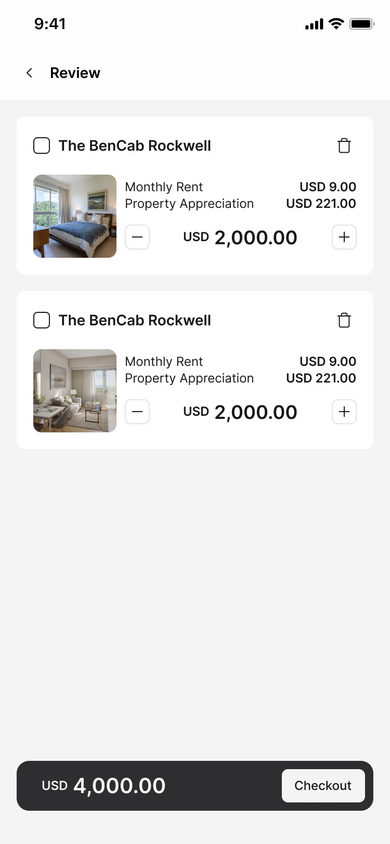
Review: two lines for the same unit, each with its monthly rent, its property appreciation and a stepper on the ticket, over the USD 4,000.00 total and Checkout.
Payment
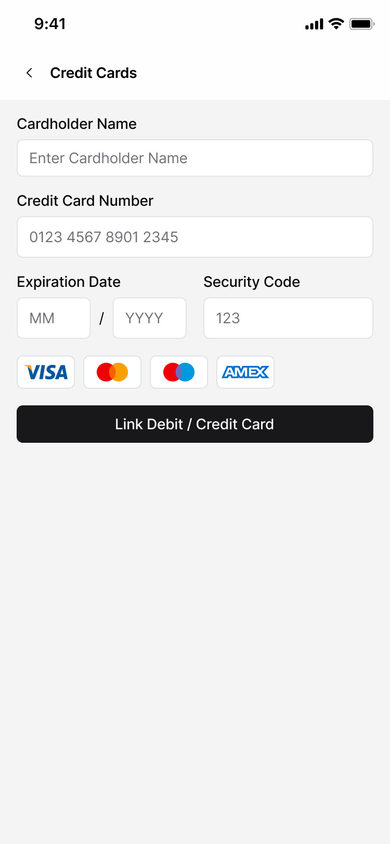
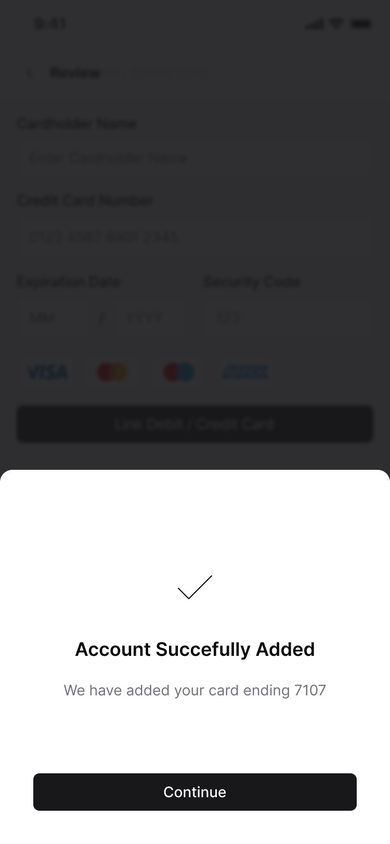
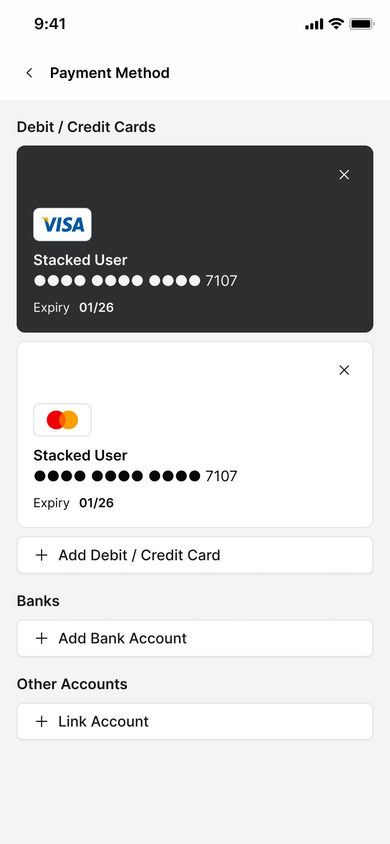
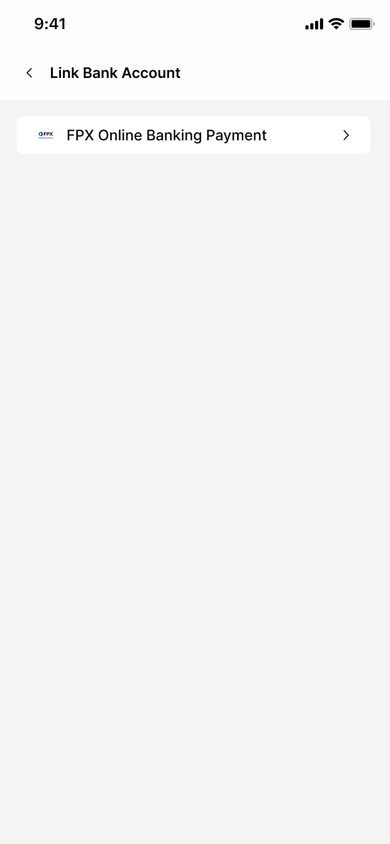
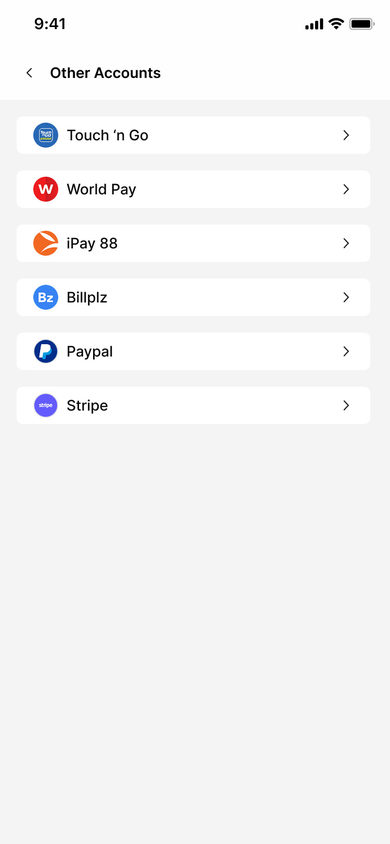
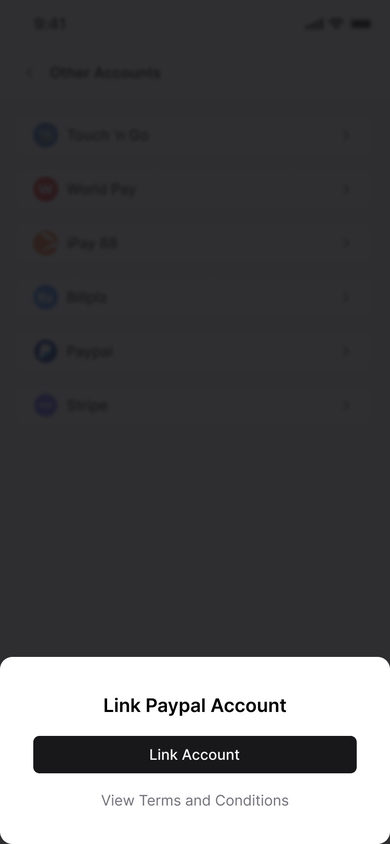
The methods a wallet can carry, and how each one is linked.
7 screens
Methods
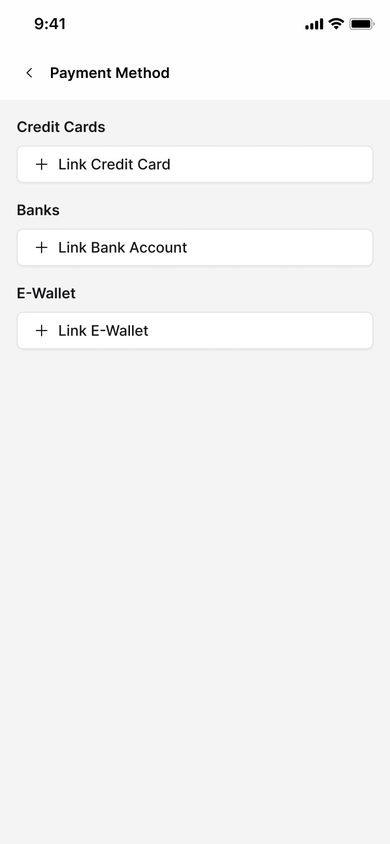
Payment Method: link a credit card, link a bank account, link an e-wallet, one row each.
Portfolio
What the reader holds.
1 screen
Portfolio
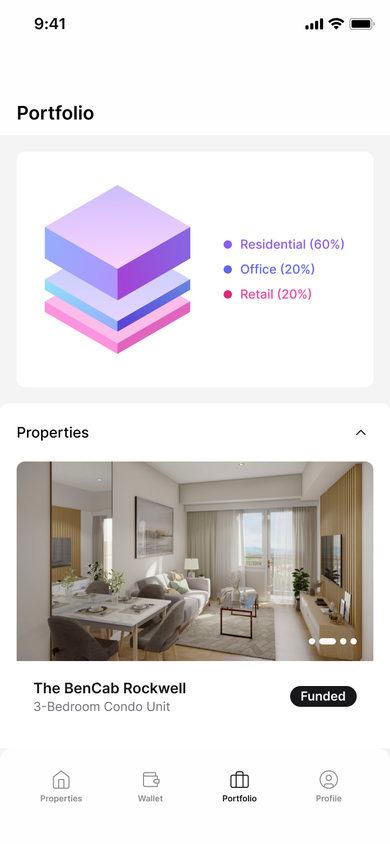
Portfolio: the holdings as a stacked figure, residential 60%, office 20% and retail 20%, over the properties list, The BenCab Rockwell marked funded.
Wallet
The money waiting to be invested.
1 screen
Wallet
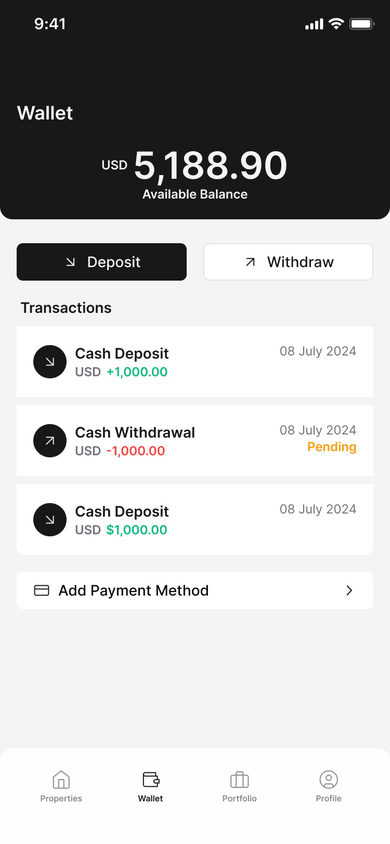
Wallet: USD 5,188.90 available, Deposit beside Withdraw, then the transactions, two cash deposits and one pending withdrawal, over Add Payment Method.
Profile
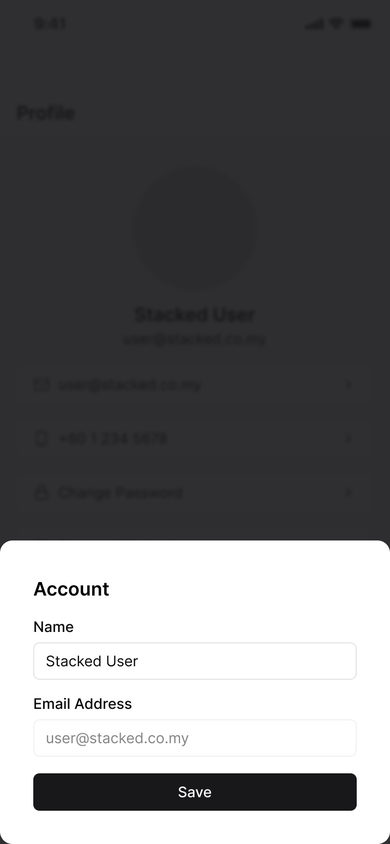
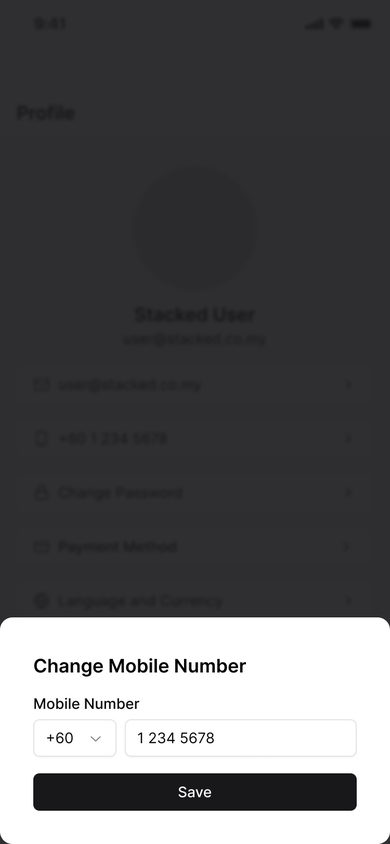
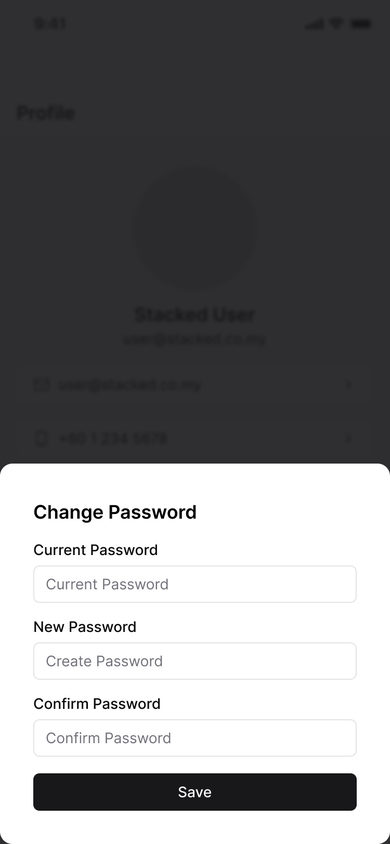
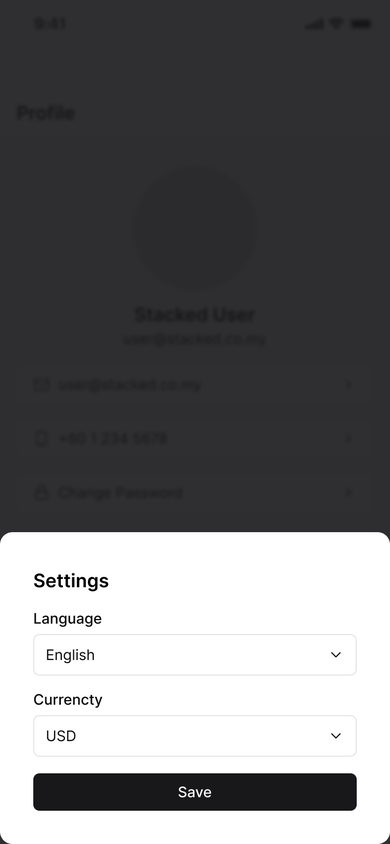
The account settings, each opening as its own sheet.
5 screens
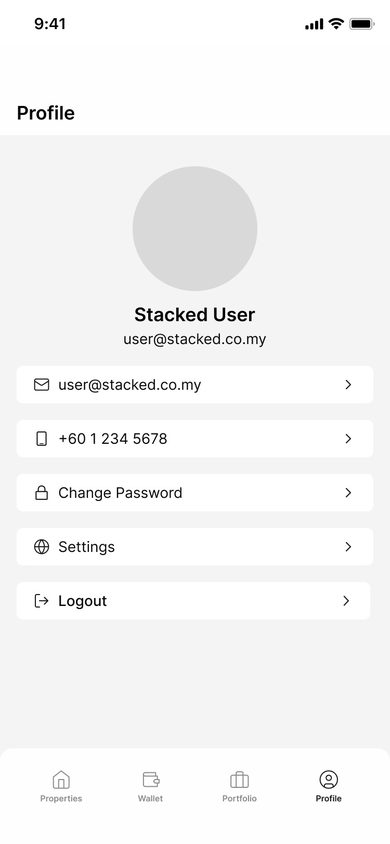
Profile
Profile: the avatar, the name and the address, then email, mobile, change password, settings and logout as rows.
mobile